Phase 1 · One-time backfill
Import your past DEGIRO trades first
- 1
Log in to your DEGIRO account
Go to trader.degiro.nl and open your account.
- 2
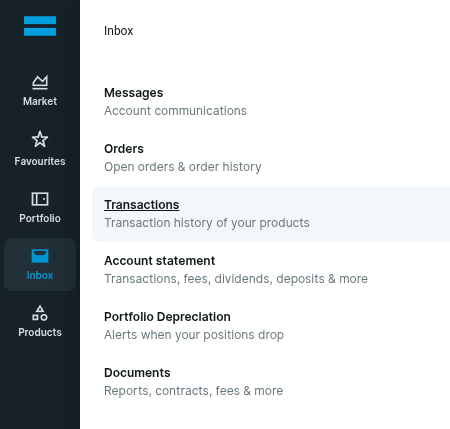
Open Inbox → Transactions
In DEGIRO, navigate to your transactions export area.
- 3
Select the full date range
Choose the earliest available date through today so your full portfolio history is imported.
- 4
Export the file as CSV
Download the transactions report in CSV format.
- 5
Upload the CSV in Azimute
Upload once to initialize your holdings, performance, and allocation history.
If you skip this initial backfill, analytics only start from future trade confirmations.